
Environments
Development, Staging, and Production - how workflows, connections, and configuration are scoped per environment.
Every workspace has the same three environments - Development, Staging, and Production - and most of what you create in ByteChef belongs to exactly one of them. Selecting an environment changes which connections you can pick, which deployments are listed, and which runs show up in the execution history.
The set is fixed. These three are defined by the platform and cannot be renamed, removed, or added to. That uniformity is what lets the rest of the platform assume an environment exists on every record.
Community Edition
The environment selector appears on Enterprise Edition only. A Community Edition instance works in a single environment and shows no selector, so nothing on this page needs configuring there.
Choosing an environment
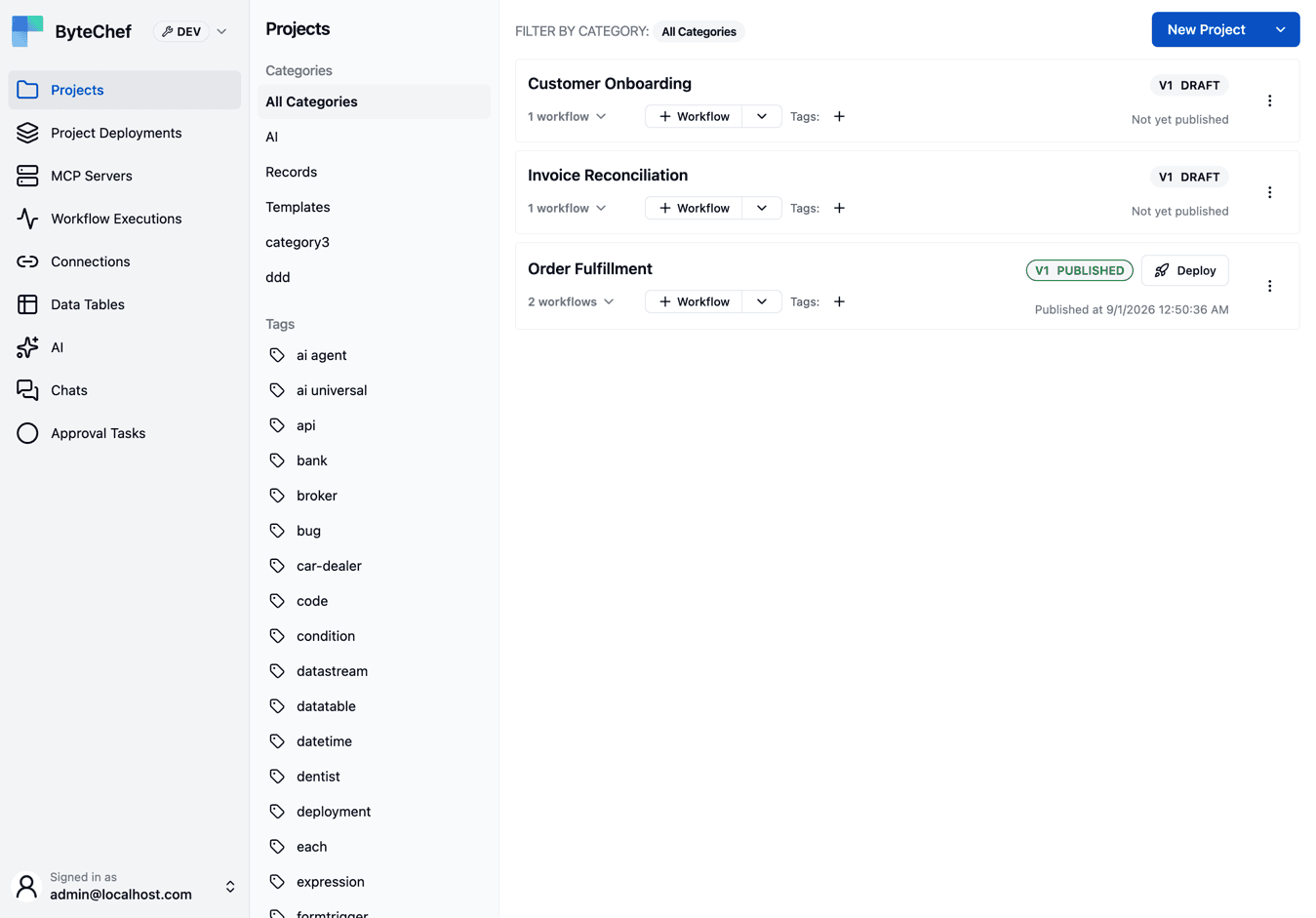
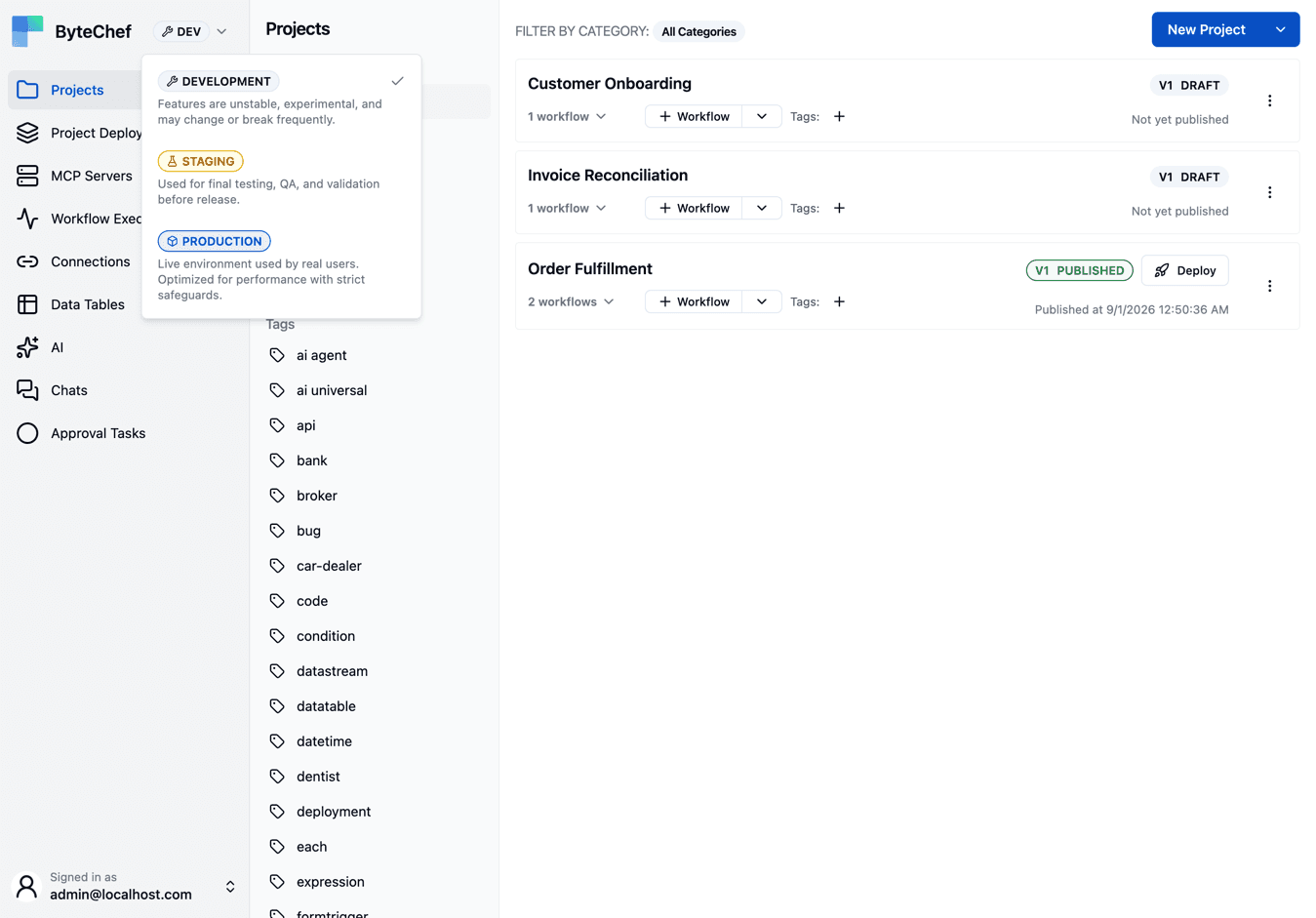
The selector sits in the left sidebar header, beside the ByteChef name, and applies to the whole application rather than to one page. Switching it changes what the pages below it list - it never migrates anything. The sidebar takes on a colour for the selected environment, so the current one stays visible after you have looked away; collapse the sidebar and the selector shrinks to the environment's icon.
| Environment | Intended for |
|---|---|
| Development | Where you build. Connections point at sandbox or test accounts. |
| Staging | Final testing, QA, and validation before release. |
| Production | Live traffic. |
Development is the default for a new session.
What carries an environment
Practically everything you can create:
- Connections - a connection belongs to one environment, so the Stripe connection you pick in Development is a different record, with different keys, from the one in Production.
- Project deployments - a deployment binds a published project version to one environment. See Deploy Workflows.
- Data tables - the table definition is workspace-wide, but its rows are per environment, so Development data never leaks into Production.
- Knowledge bases, asset files, and context stores.
- API keys - a key is issued for one environment and only authenticates requests for it.
- MCP servers, A2A servers, and API collections - each publishes a different set of tools or endpoints per environment.
- AI provider credentials - activated per environment, so a cheap model in Development and a production key in Production is a configuration choice, not a workflow change.
- Workflow executions, approval tasks, and tool invocations - history is listed per environment.
Projects and their workflows are the notable exception: a project is not environment-scoped. It holds one editable draft and a series of published versions, and a version reaches an environment by being deployed there.
How work moves forward
draft  ──publish──▶  version 3  ──deploy──▶  Development
                          │
                          ├──deploy──▶  Staging
                          └──deploy──▶  Production
Editing always happens on the draft. Publishing freezes it as a version, and deploying binds that version to an environment. The same version can back deployments in all three environments at once, each with its own connections - which is the point: Staging and Production run identical definitions, so a difference in behavior is a difference in configuration, never in build.
Because triggers are enabled per deployment, a schedule or a webhook only fires for the deployments where it is enabled - a cron trigger being present in a Development deployment does not make it fire in Production. Webhook URLs are issued per deployment for the same reason, so each environment's deployment has its own URL.
Environments in the API
Public API keys are issued for one environment, and requests carry the environment in an
X-ENVIRONMENT header, defaulting to PRODUCTION when it is omitted. The header must agree with the
key: a Development key cannot reach Production data by asking for it. A script that creates
deployments or manages connections should therefore name its environment explicitly rather than
relying on the default.
When three environments are not enough
The fixed set is a deliberate constraint, and the need behind wanting a fourth is usually something else:
| What you actually want | Model it as |
|---|---|
| A separate team or business unit | A separate workspace |
| Per-customer isolation | One workspace per tenant |
| A load-testing or canary slice | A dedicated workspace whose Production points at a test backend |
What does not work is using workspaces as stages. Environments already exist inside every workspace, and deployments already select a version per environment - replacing that with three workspaces means copying projects by hand and losing the shared version history that makes a rollback one setting change.
How is this guide?
Last updated on