
Active Sessions
See the browsers holding a "remember me" token for your account, and invalidate the ones you do not recognise.
Your Account → Active sessions lists the persistent sign-in tokens issued to your account - the "remember me" credentials that let a browser sign you back in without a password - and lets you invalidate any of them.
The page is headed Active sessions for [your login] and carries a Refresh button.
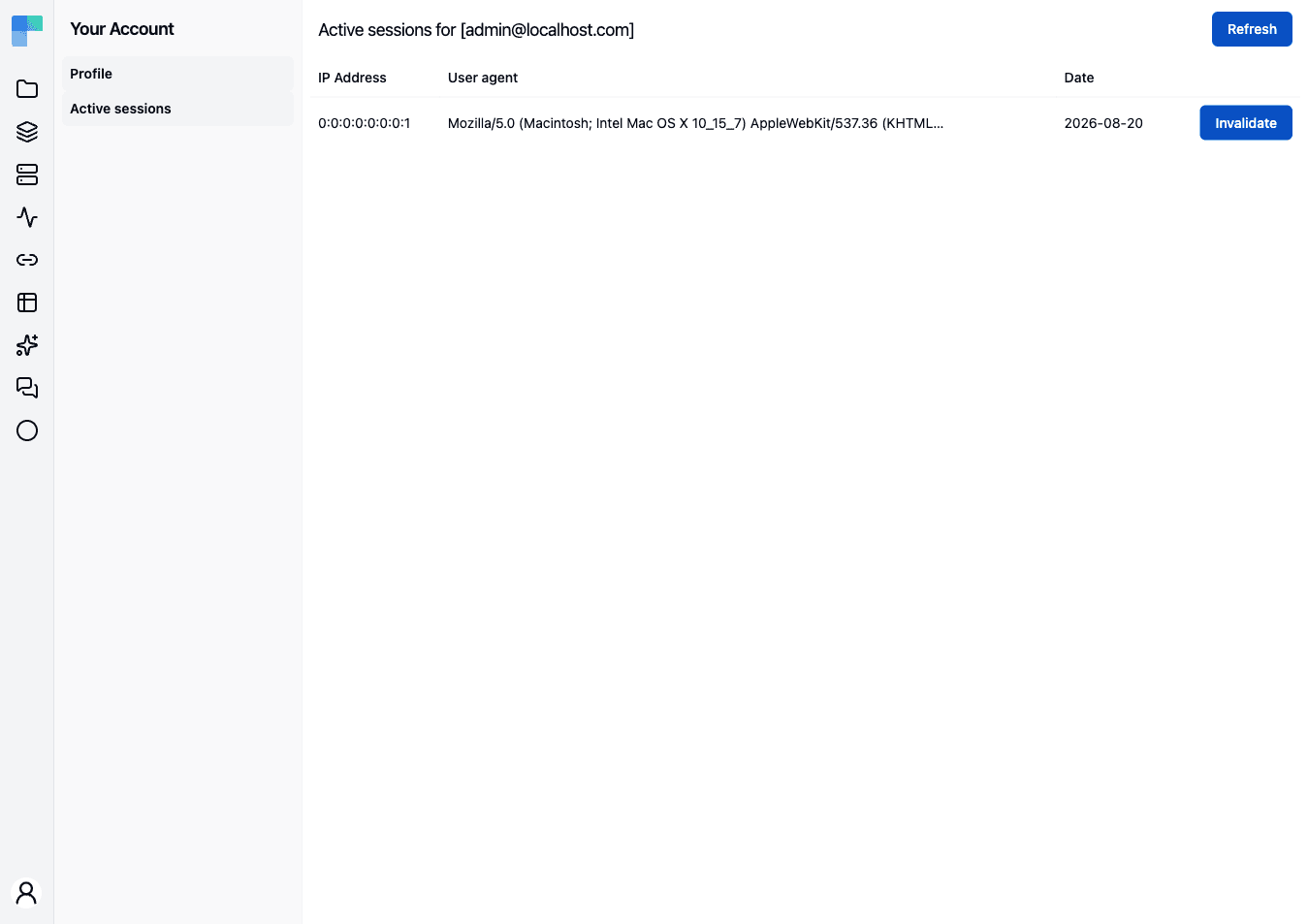
The table
| Column | Description |
|---|---|
| IP Address | The address the token was last used from. |
| User agent | The browser and platform string that browser sent. |
| Date | When the token was issued or last renewed. |
Each row ends with an Invalidate button. With nothing to show, the page reads No active sessions.
You only ever see your own tokens. There is no administrator view of another user's sessions.
Invalidate a session
Click Invalidate on the row. A "The session has been invalidated." toast confirms it and the list reloads; a failure reports "The session could not be invalidated."
What invalidating does and does not do
Invalidating removes the remember-me token, not the live browser session. Someone already signed in on that browser stays signed in until they sign out or the session times out - what they lose is the automatic sign-in afterwards. This includes the browser you are using right now: you can invalidate your own current token and keep working.
Tokens are valid for 31 days from issue and are renewed as you keep using the browser, so a browser you have not opened in over a month falls off the list on its own.
If you invalidate a session because you do not recognise it, change your password as well - see Profile. Invalidating a token does not stop anyone who knows the password from signing in again.
How is this guide?
Last updated on