
Your Account
Coming soon
Appearance
Choose the light, dark, or system theme for the ByteChef interface.
Coming soon
This capability is not available in the latest released version of ByteChef.
Your Account → Appearance carries one setting: the Theme, described as "Select the theme for the dashboard."
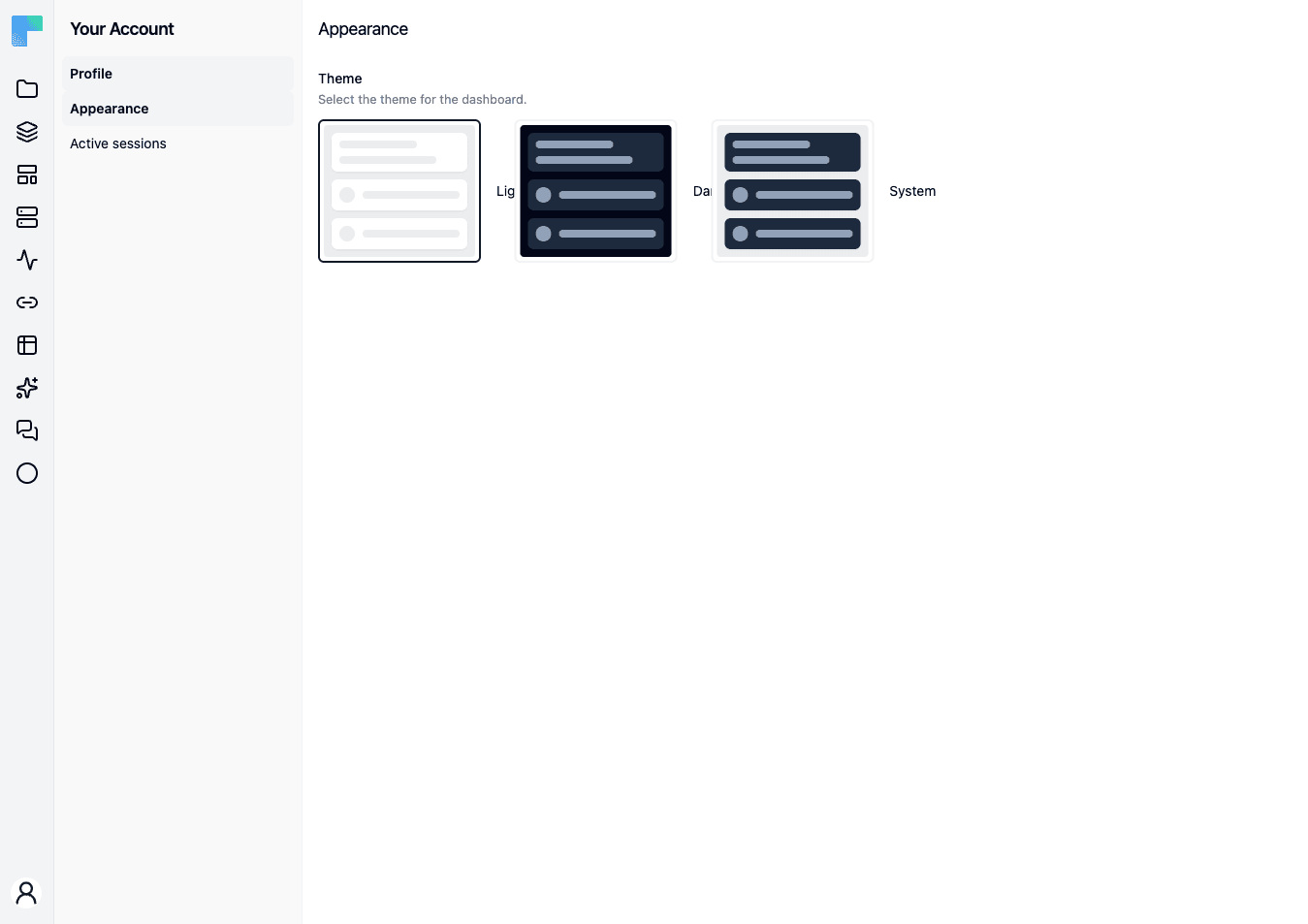
The three choices
Three preview cards, each a radio option:
| Choice | Effect |
|---|---|
| Light | Always the light palette, whatever the operating system is set to. |
| Dark | Always the dark palette. |
| System | Follows the operating system's light/dark preference. |
System is the default for a fresh browser. Picking a card applies it immediately - there is no Save button.
Where the choice is stored
The theme is stored in your browser's local storage, not on your ByteChef account. Two consequences worth knowing:
- The choice does not follow you to another browser, another device, or a private window. Set it once per browser.
- Clearing site data resets you to System.
Under System, the operating system's preference is read when the app loads. Changing your OS between light and dark while a ByteChef tab is already open does not repaint that tab; reload it.
How is this guide?
Last updated on