
App Events
Define events your product fires to trigger embedded workflows.
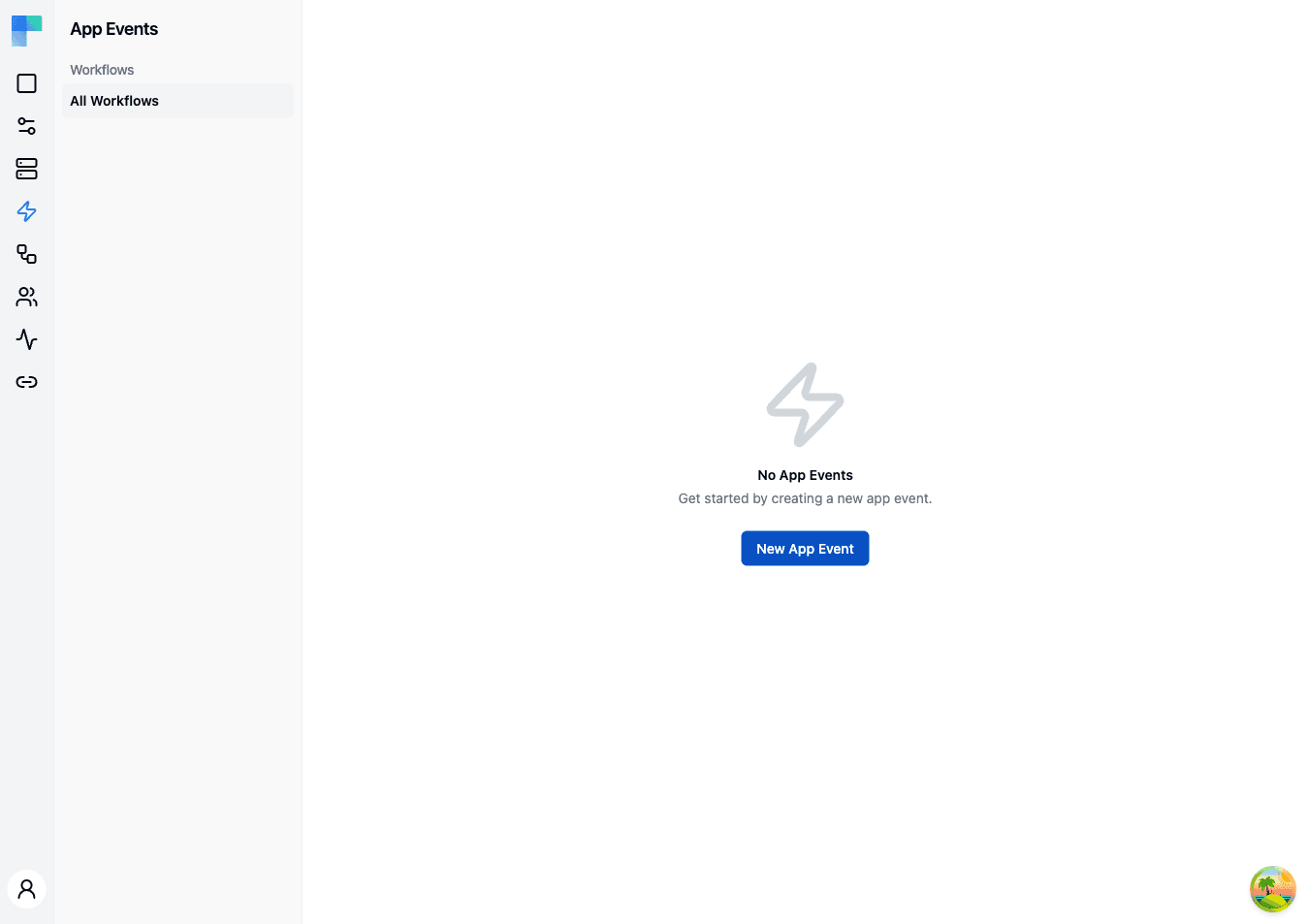
App Events are named events that originate in your application (e.g. user.signed_up, order.placed, record.updated). You declare them here with a JSON schema for their payload, and workflows subscribe to them via an App Event trigger.
The flow is intentionally one-way: an App Event is the contract, and any number of workflows can listen for it.
Key Features
| Feature | Description |
|---|---|
| Named contract | Each event has a name and a JSON schema describing its payload. |
| Many-to-many | Any number of workflows (across any integrations) can carry an App Event trigger. |
| Workflow filtering | Filter the App Events list by the workflows that subscribe to them. |
| Environment awareness | Events fire against the environment specified in the request header. |
How to Use
Creating an App Event
- Click New App Event in the top-right corner.
- Enter a Name (this is the event identifier you'll use when firing the event).
- Enter the event's Schema as JSON - the structure of the payload your application will send. It documents the event's contract (see the note under Firing an App Event about payload delivery).
- Click Save.
Note that you do not select workflows here. Workflows opt in to receive an event by adding an App Event trigger and picking this event's name (see below).
Subscribing a workflow to an App Event
- Open a workflow in the integration editor.
- Add the App Event trigger (component: "App Event", trigger: "New Event").
- In the trigger's properties, select the App Event Id you want to subscribe to from the dropdown - it lists every App Event defined on this page.
- Save and publish the integration.
The selected App Event Id does not filter the fan-out yet. The fire endpoint takes no event name, so every enabled workflow of the connected user that carries an App Event trigger starts - regardless of which App Event Id its trigger has selected. Treat the selection (and the schema) as the documented contract for the event, not as a runtime filter, and give a workflow its own conditional logic if it must ignore some events.
Firing an App Event from your application
POST to the embedded API with the end user's JWT:
POST /api/embedded/v1/app-events HTTP/1.1
Host: your-bytechef-host.example.com
Authorization: Bearer <end-user JWT>
X-Environment: DEVELOPMENT
The connected user is identified by the JWT sub claim. ByteChef looks up that user's enabled integration instances and starts an execution for every enabled workflow that carries an App Event trigger, in the environment named by X-Environment.
Payload delivery is coming soon. Today the endpoint takes no request body: a POST /api/embedded/v1/app-events starts every one of the connected user's App Event–triggered workflows in the given environment. Carrying the event payload in the request body - so the schema's properties populate as variables your workflows can read - is coming soon. Until then, the schema documents the event's intended shape.
Filtering App Events
Use the left sidebar to filter by workflow. Select "All Workflows" to view every App Event, or click a specific workflow to see only the events it subscribes to.
Managing App Events
- Edit - update the event name or schema.
- Delete - remove the App Event. Any trigger that had selected it is left with no selection.
Example use cases
- User signup - your app fires
user.signed_up; workflows sync the new user to the customer's CRM and Mailchimp. - Order placed - your app fires
order.placed; workflows create an invoice in the customer's accounting tool and post to Slack. - Record updated - your app fires
record.updated; workflows sync the change to whatever third-party store the customer has connected.
How is this guide?
Last updated on
Permission Expressions
Gate which integrations, automation workflow projects, and workflows each connected end-user sees with a per-resource expression evaluated against the user's identity and metadata. Fails closed.
Connections
Manage authentication credentials and connection configurations for third-party services.