
Integration Marketplace
Embed a catalog of your integrations where end users see what they can connect and open the Connect dialog with one click.
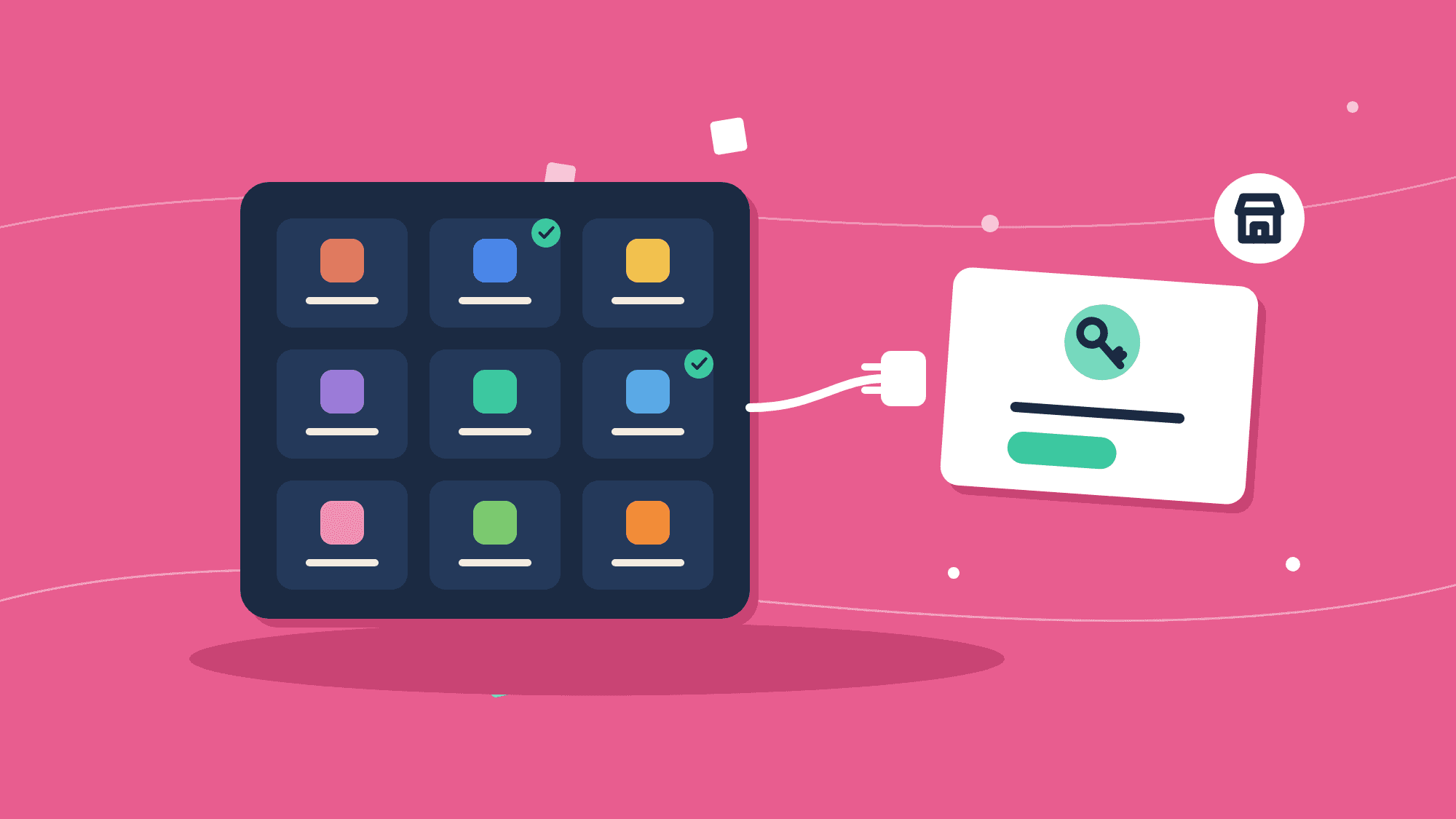
The Integration Marketplace is a ready-made catalog page for your integrations. Each card shows an integration your end user can use and whether they have already connected it. Connect opens the Connect dialog in your page, and the card switches to Connected when the user finishes.
Use it when you want an integrations page without building one. To build your own instead, list the integrations from the embedded API as shown in Displaying the Connect Dialog.
Before you start
- A Signing Key and a backend that mints end-user JWTs - see Installing the SDK.
- At least one live integration: published, with an instance configuration that is turned on in the environment. See Adding an Integration.
- In production, your app's origin in
BYTECHEF_EMBEDDED_ALLOWED_PARENT_ORIGINSon the ByteChef server - see the embed handshake.
Add the marketplace to your app
'use client';
import {IntegrationMarketplace} from '@bytechef/embedded';

export function IntegrationsPage({jwtToken}: {jwtToken: string}) {
    return (
        <IntegrationMarketplace
            baseUrl="https://your-bytechef-host.example.com"
            className="h-[700px] w-full"
            environment="PRODUCTION"
            jwtToken={jwtToken}
            onConnectDialogClose={() => console.log('Connect dialog closed')}
            theme={{mode: 'light', primaryColor: '#2563eb'}}
        />
    );
}
Props
| Prop | Type | Default | Description |
|---|---|---|---|
jwtToken | string | - | Required. The connected user's signed token. |
baseUrl | string | https://app.bytechef.io | Your ByteChef host. |
environment | 'DEVELOPMENT' | 'STAGING' | 'PRODUCTION' | 'PRODUCTION' | The environment whose integrations are listed. |
className | string | - | Class for the wrapping element. Give it a height; the iframe fills it. |
theme | object | - | The same keys as the Automation Hub theme. mode also applies to the Connect dialog. |
mapObjectFields | MapObjectFieldsType | - | Field-mapping callbacks passed to the Connect dialog. See Displaying the Connect Dialog. |
onConnectDialogClose | () => void | - | Called each time the user closes the Connect dialog. |
When jwtToken or another prop changes after the iframe has loaded, the component sends the new values to it without reloading.
Which integrations appear
The catalog lists the integrations that have an enabled instance configuration in the selected environment, filtered by each integration's permission expression for the current user. An integration the user already has an instance of shows Connected; the others show Connect. When there are none, the page says no integrations are available yet.
How connecting works
The catalog runs in an iframe, but the Connect dialog opens in your page, not inside the iframe. When the user clicks Connect, the iframe asks your page to open the dialog for that integration, and the IntegrationMarketplace component does so. That is what lets you pass mapObjectFields: it is made of functions, and a function cannot be sent into an iframe.
When the dialog closes, the component tells the iframe to refresh, so a newly connected or disconnected integration shows its new state straight away, and then calls onConnectDialogClose.
The component only acts on requests from its own iframe on your ByteChef host, and the iframe only sends them to the page that initialized it.
Related
- Automation Hub - the embeddable catalog of automation templates.
- Integrations - authoring the integrations this page lists.
- Troubleshooting - a blank iframe or a page stuck on loading.
How is this guide?
Last updated on