
Universal AI
Learn how to work with AI Text and AI Image
This is a guide to using universal AI components like AI Text or AI Image. Universal components let you pick a provider and model from the activated AI Providers catalog per step, instead of managing a separate connection per provider.
Setting up API keys
Click on the user picture
Click on Settings. As a requirement for having access most settings, you have to have administrator privileges.
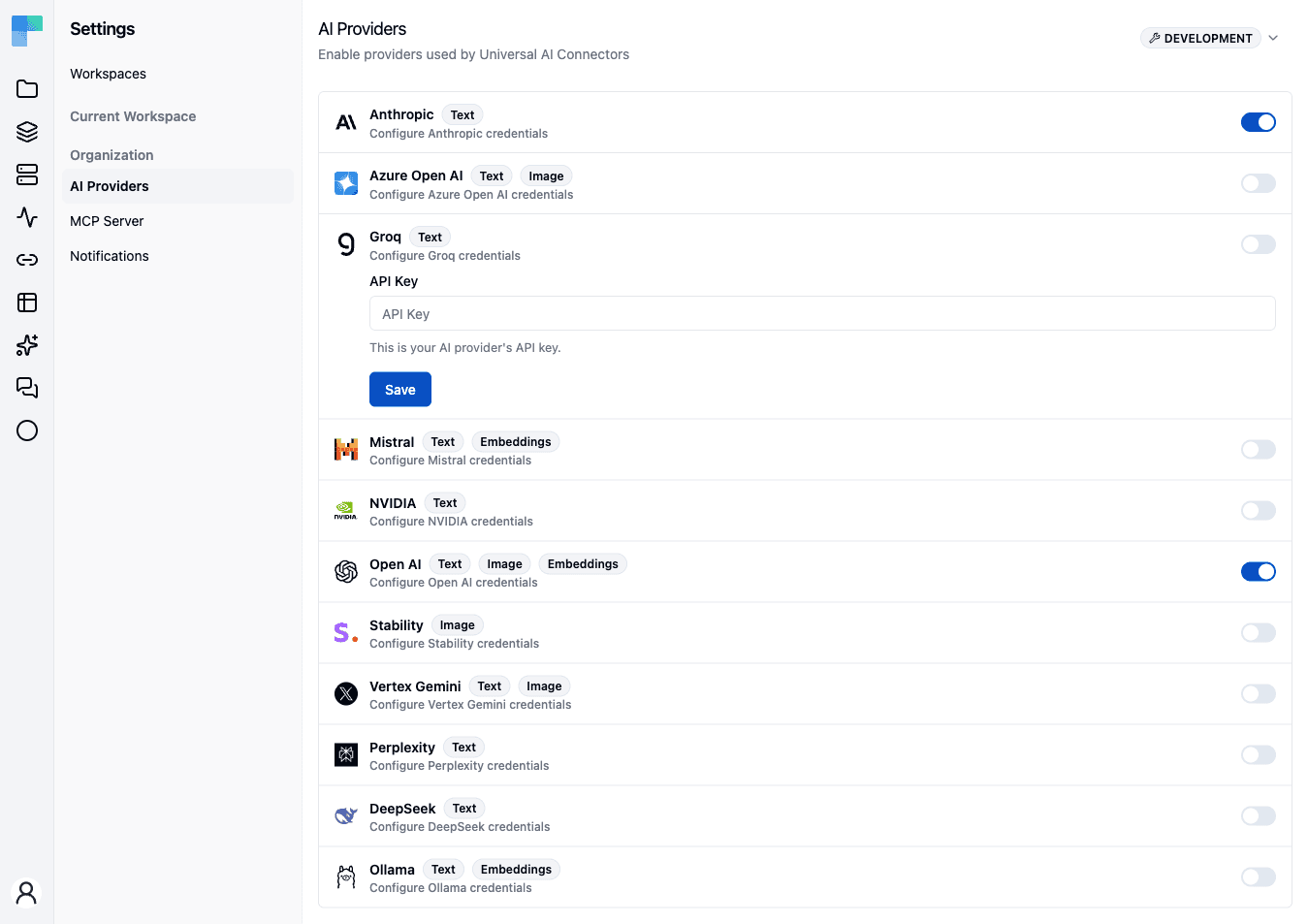
Go to AI Providers
Toggle the provider that you have API keys for
Paste the API key
Click Save
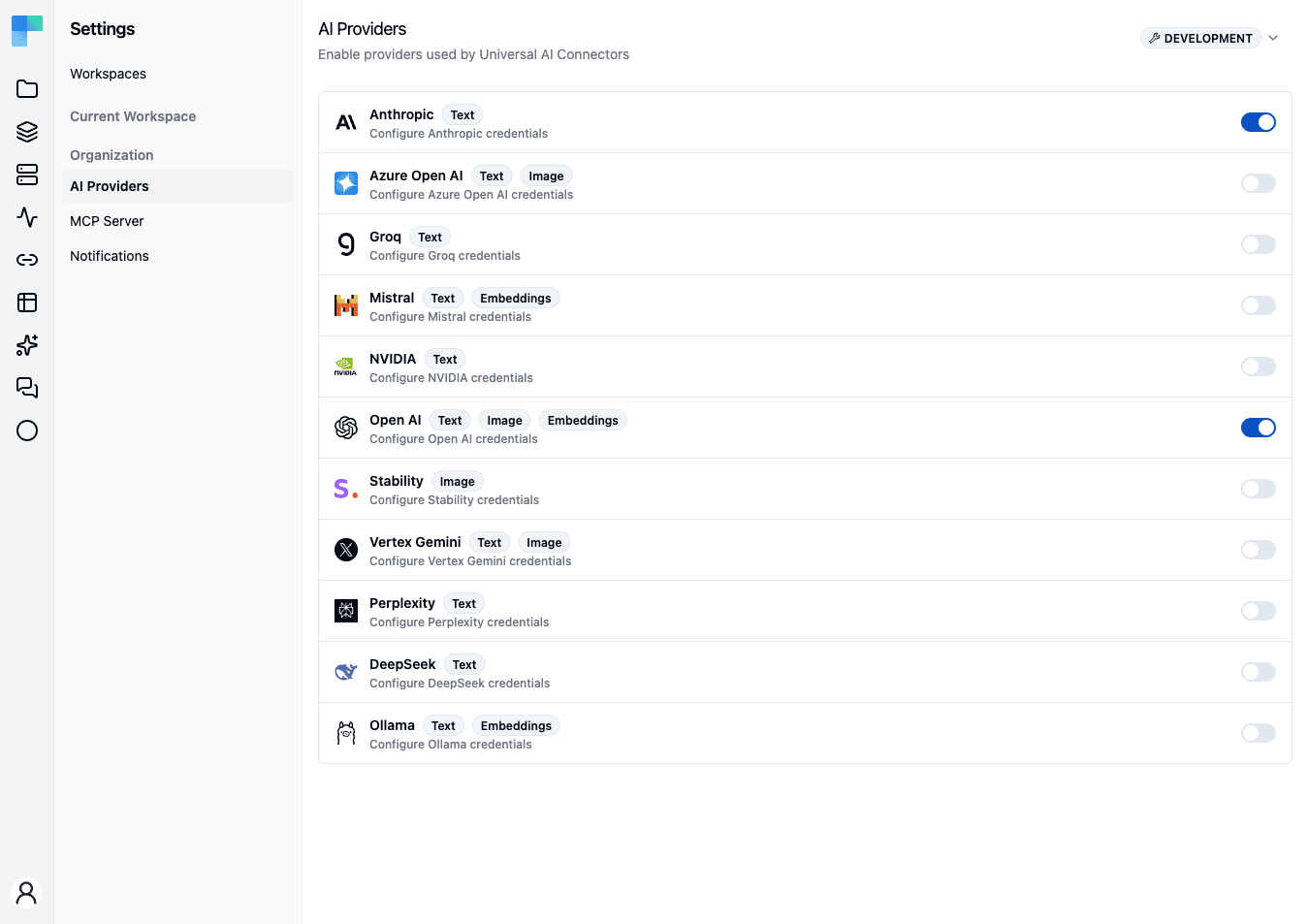
Select a provider to reveal its credentials form, then paste the key and save.
After that, you should be able to work with AI Text and AI Image components. You should be able to see the configured providers in the Properties tab under the dropdown attribute called Provider.
AI Text actions
| Action | What it does |
|---|---|
| Text Generation | Produce free-form text from a prompt. |
| Classify Text | Assign the input to one of your categories. |
| Extract Data | Pull structured fields out of unstructured text. |
| Summarize Text | Condense a document into a summary. |
| Sentiment Analysis | Score the emotional tone of the input. |
| Similarity Search | Find the closest matches to a query among candidate texts. |
| Score | Rate the input against criteria you define. |
| Mask | Replace sensitive spans with placeholders. |
| Unmask | Restore previously masked spans to their original values. |
AI Image actions
| Action | What it does |
|---|---|
| Generate Image | Create an image from a text prompt with the selected provider and model. |
Beyond single steps: the AI Agent
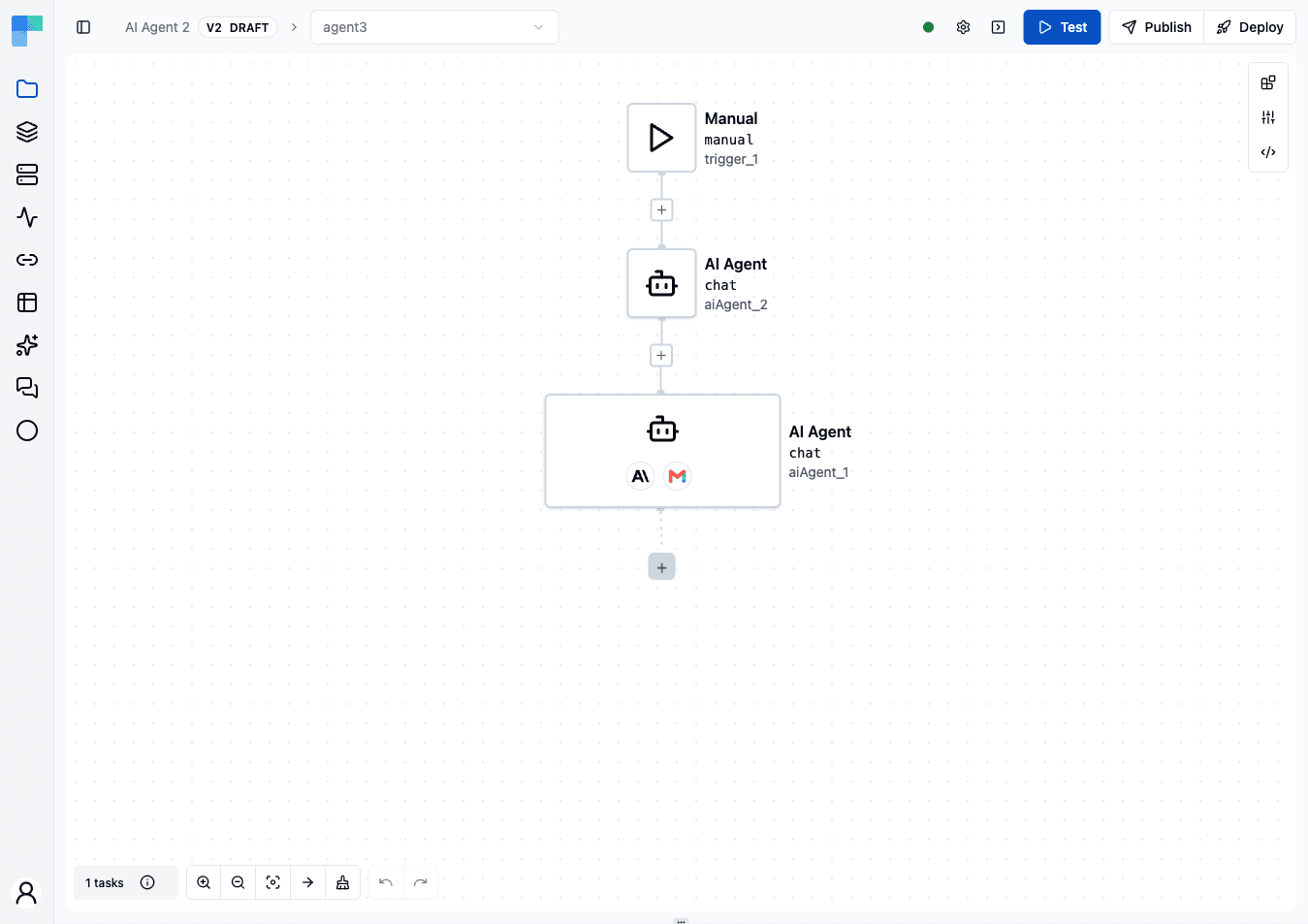
AI Text and AI Image are single-shot steps. When you need a step that reasons over a goal, calls tools, and remembers context across turns, use the AI Agent component instead - a cluster-root node with its own full-screen editor for the model, instructions, tools, chat memory, and guardrails. See AI Agent to build one, Skills to give it reusable know-how, Evals to test it, and Guardrails to constrain it.
How is this guide?
Last updated on